Open-source robot arm · LeRobot ready
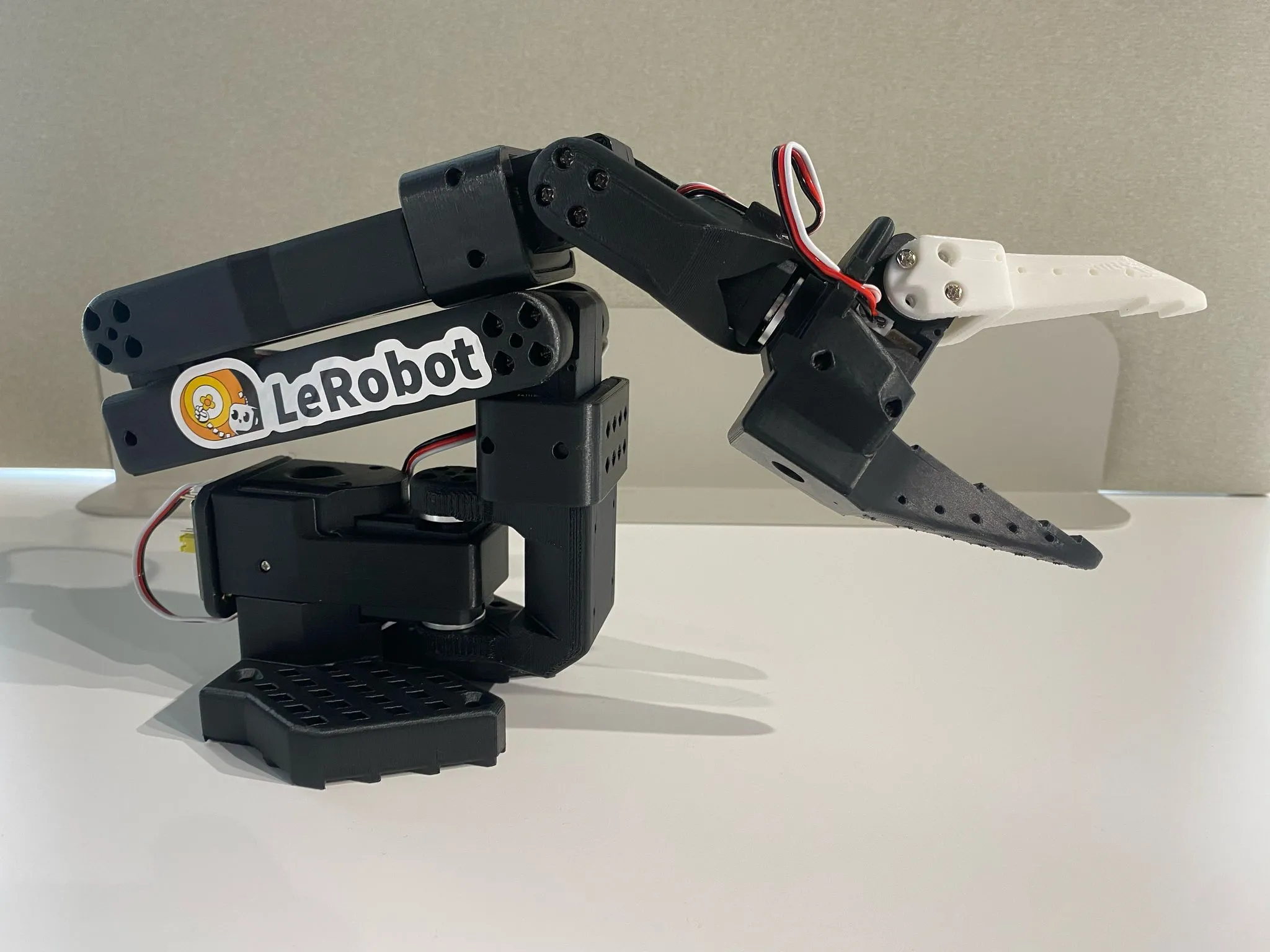
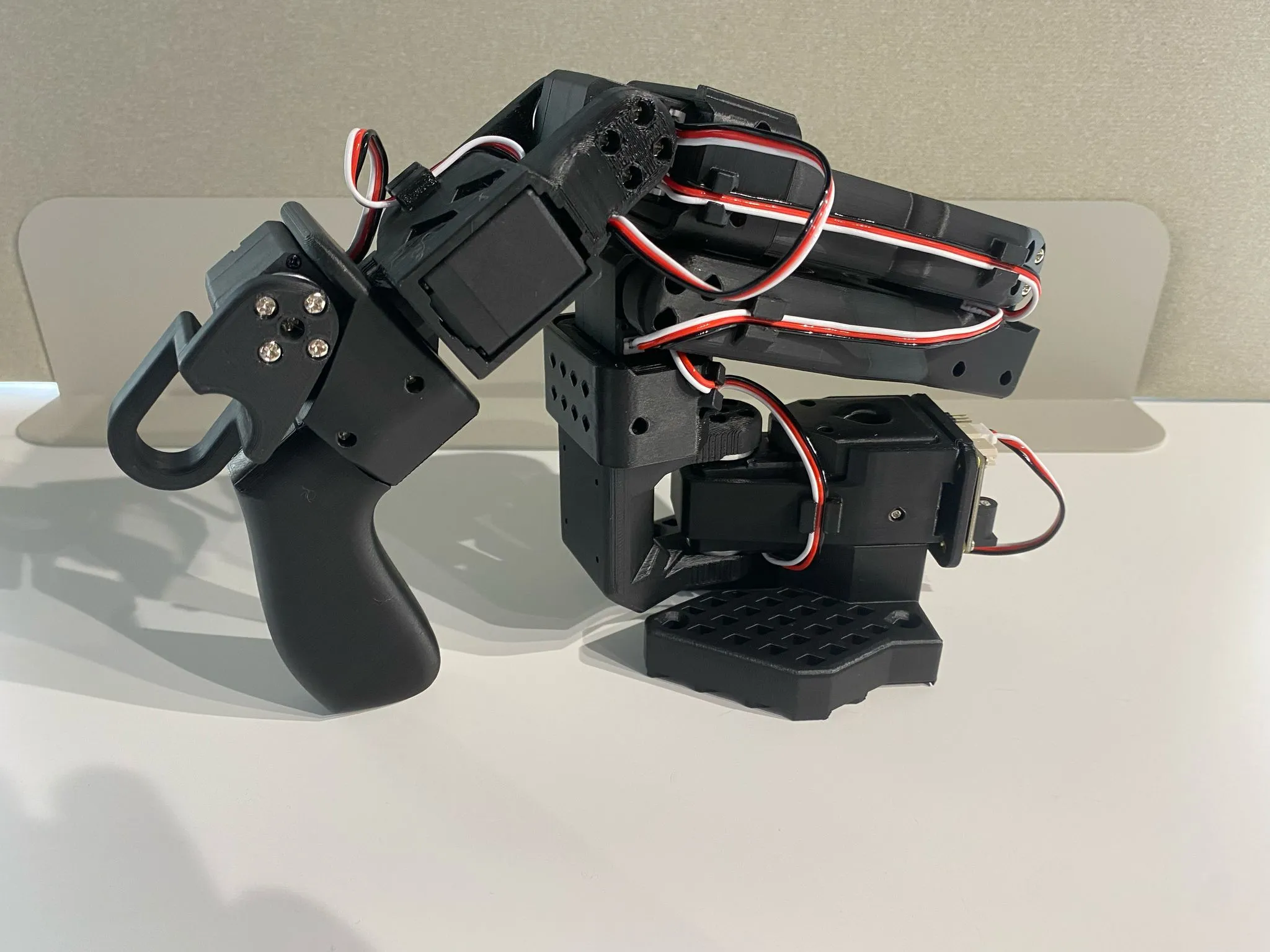
Build your own SO‑101.
Everything you need to buy, print and assemble on one page. Pick your country and each part links to a local supplier first, then to stores that ship worldwide.
for two arms
incl. gripper
before printing
Bill of materials
Quantities change with your build. Tick off items as you order them; your list is saved in this browser. Local or regional store Ships worldwide Search results (commodity part)
Before you buy servos
- Follower arm: six
C018servos (12 V, 30 kg·cm) powered by a 12 V supply. - Leader arm: one
C001, twoC044and threeC046(all 7.4 V) powered by a 5 V supply. See the motor map. - All STS3215 servos look the same, so check the code on the listing or the label before you pay. Never connect the 12 V supply to the leader.
- Each servo ships with its horn and M2×6 / M3×6 screws, so you don't need to buy screws separately.
Optional upgrades and bundles
Motor map
The follower uses the 12 V C018 on every joint. The leader mixes three 7.4 V gear ratios so it holds its own weight but stays light to move by hand. If you mix these up, the leader will feel stiff or sag.
| # | Joint | Leader | Follower |
|---|
Or skip the sourcing: buy a kit
Kits for your region are listed first, followed by sellers that ship worldwide. Listed in the official repo marks sellers named in TheRobotStudio's README.
3D-printed parts
Official STL files from TheRobotStudio/SO-ARM100 (Apache-2.0), mirrored here unchanged. Click any part to view it in 3D.
Print settings
- Material
- PLA+
- Nozzle / layer
- 0.4 mm @ 0.2 mm
or 0.6 mm @ 0.4 mm - Infill
- 15%
- Supports
- Everywhere, but skip slopes steeper than 45°. No supports in horizontal screw holes.
- Bed
- Clean and level, plus a thin layer of glue stick if your printer recommends it
Print a gauge first. Check the fit against an STS3215 servo or a 4×2 LEGO brick before you commit to printing the full plates.
Full plates all parts for one arm, pre-oriented
↓ Full assembly reference model (38 MB) A model of the complete arm for reference only. Don't print it.
Individual parts Download all (.zip)
No printer? Order printed parts
Assemble & bring it to life
Once the parts arrive, the official guides take it from here.
-
Set up the motors
Install LeRobot with the Feetech SDK (
pip install -e ".[feetech]"), then runlerobot-setup-motors. It gives each servo its ID one at a time, so do this before assembly. -
Assemble joint by joint
Each joint has a short video. Use M2×6 screws for motors and M3×6 screws for horns and frames.
-
Calibrate both arms
Run
lerobot-calibrateso the leader and follower report matching positions. -
Teleoperate, record and train
Move the leader and the follower copies it. Record demonstrations and train a policy.